01
Display your QR code
Put it on a table sign, a tablet, a screen, or printed cards around the venue. One unique QR code per event.

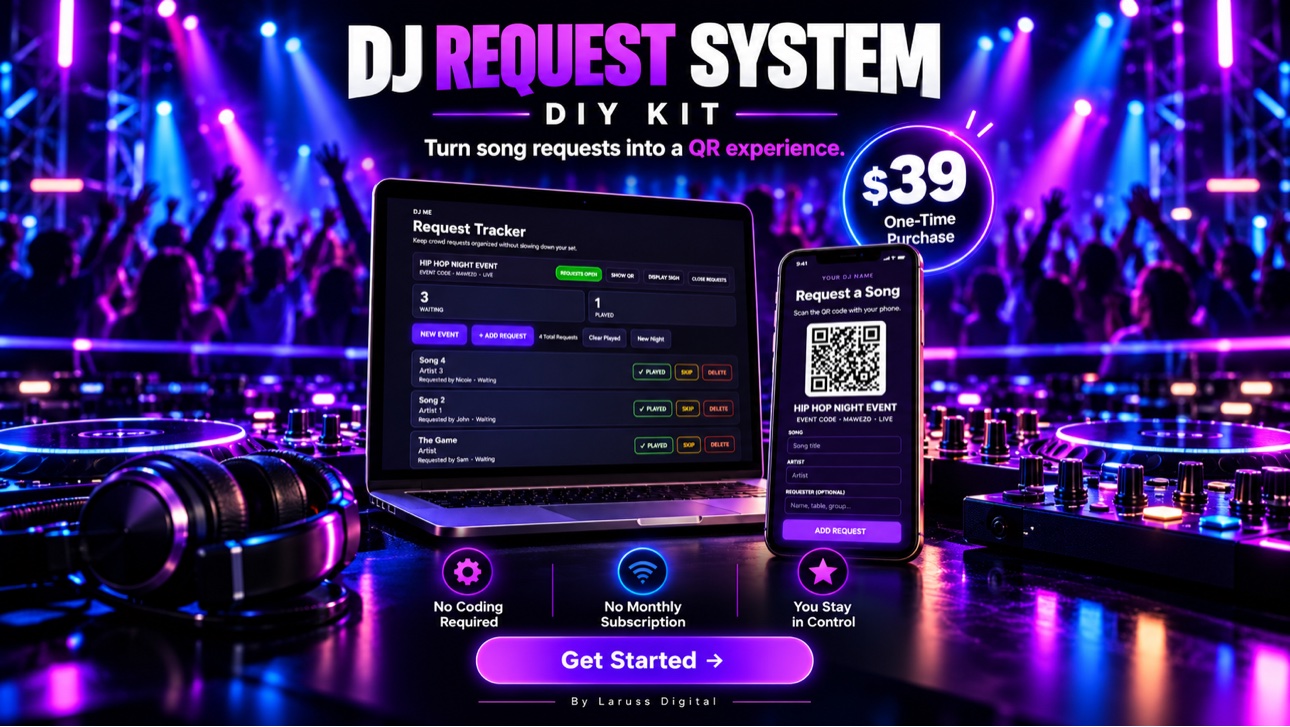
Your own branded QR song-request system: guests scan, request from their phones, and every request lands in your tracker. No monthly fee. No coding. You stay in control of the set.
Launch offer: $10 off with code REQUEST10 — only 50 available.
How it works
Set it up once with the included wizard, then run it at every event you play — weddings, clubs, parties, corporate gigs.
Put it on a table sign, a tablet, a screen, or printed cards around the venue. One unique QR code per event.
They scan with their phone camera and submit from the browser. No app to download, no account to create.
Requests land in your DJ Request Tracker. Mark them played, skip them, return them, or delete them — duplicates are flagged automatically.
Taking requests or done for the night? Flip requests on or off whenever you choose. A request is still just a request — you decide what plays.
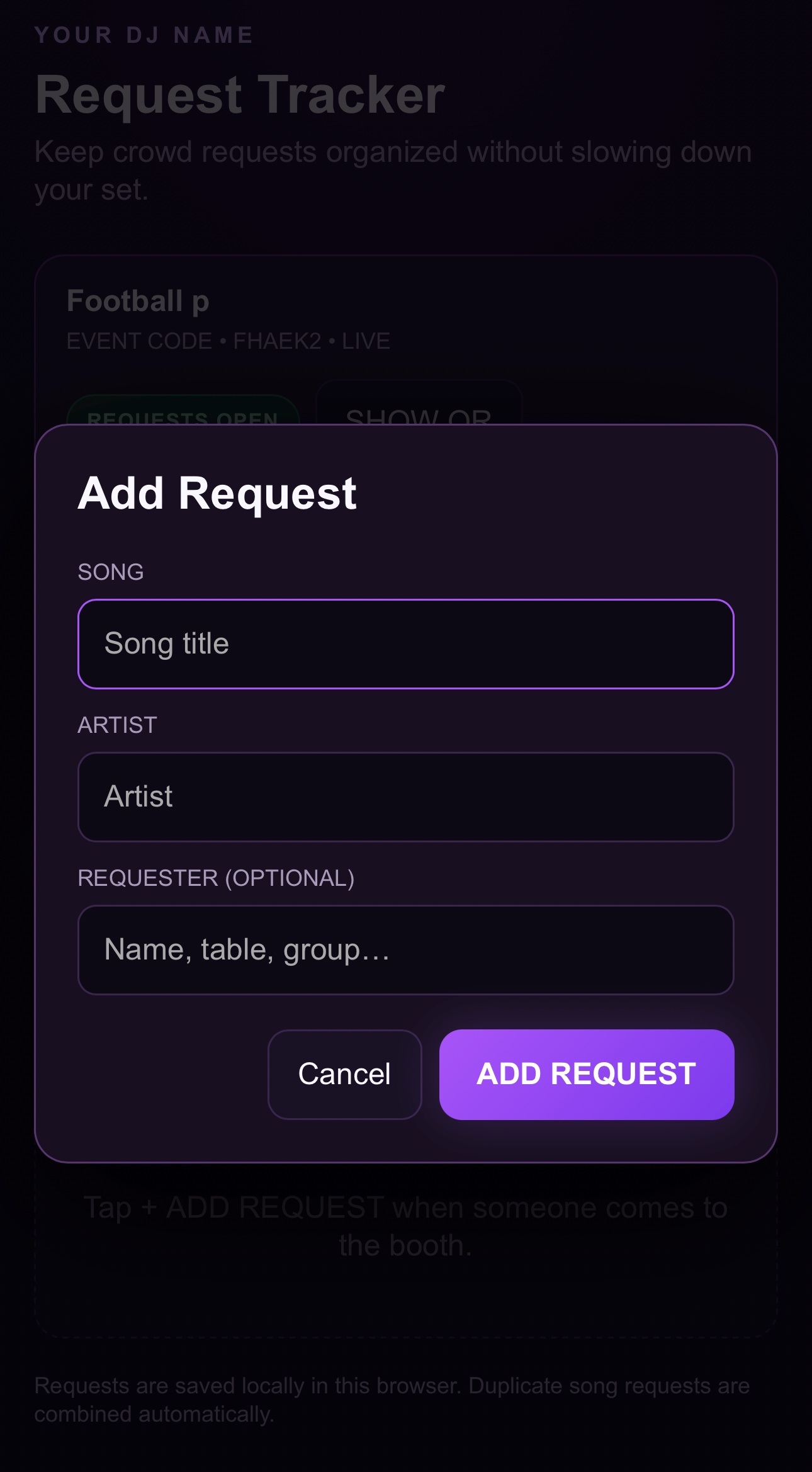
This is the actual screen a guest gets after scanning your QR code — not a mockup. They type the song and artist, optionally add their name, table, or group, and tap ADD REQUEST.
No app to download, no account to create, nothing to learn — so a guest mid-wedding can send a request in seconds, and it lands straight in your tracker.
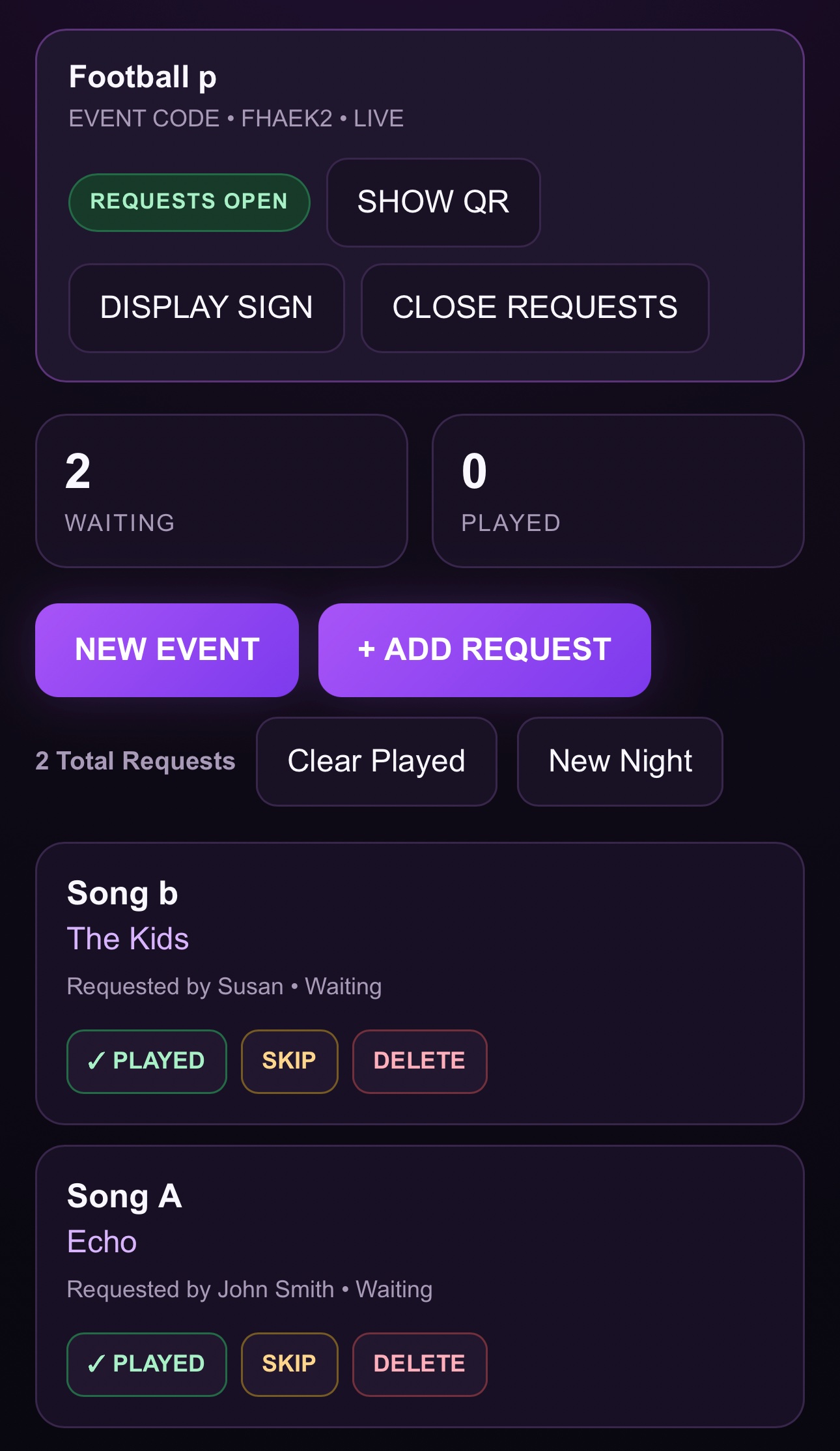
Every request lands in your DJ Request Tracker the moment a guest sends it — song, artist, and an optional requester name, all in one clean list you run from any device. When the same song comes in again it's flagged as a duplicate instead of clogging the queue, so crowd favorites stand out.
From here you keep total control: open or close requests mid-set, mark songs played, and reset or export the list between events. Guests suggest — you decide what actually plays.
The flagship
Everything you need to build and run your own branded request system for your DJ business — set it up yourself, step by step, no coding required.
Built for working DJs
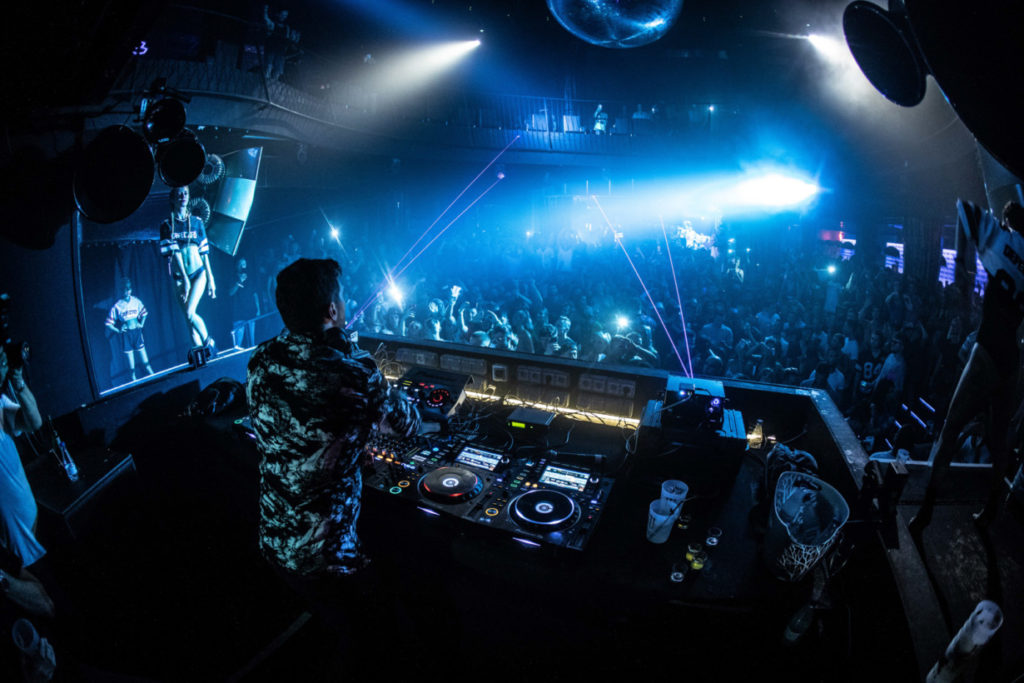
Guests suggest. You decide. The crowd gets an easy way to ask; you keep total control of the music, the energy, and the booth — nobody leaning over your gear mid-mix.
Questions
No. The included Setup Wizard personalizes and builds your system, and step-by-step setup instructions walk you through deployment. If you can follow a checklist, you can run this.
Correct — Laruss Digital charges nothing recurring for the DJ Request System. The kit is $39 once. It runs on third-party hosting (Netlify's free plan is the recommended starting point); those providers control their own plans and limits.
No app, no account. Guests scan your event QR code and submit from their phone's web browser.
Instantly. The second your payment goes through on Payhip, your download link appears right on the confirmation screen — and Payhip emails it to you too, so it's always in your inbox as a backup. Download the kit files to your computer, run the included Setup Wizard, and you're set up. If the email doesn't show up, check your spam folder, or email us at [email protected] and we'll make sure you get your files.
A computer for the initial setup, a free Netlify account, an internet connection, and a laptop, tablet, or phone to run the tracker at your events. Internet is required during events for live requests.
Yes — that's the recommended setup. Keep your main computer focused on your DJ software and manage requests from a separate device.
Yes. Your license covers your own DJ business across all your own events — build it once, start a new event whenever you need one. It can't be resold, shared, or repackaged for another business.
Never. Guests submit requests only. What gets played is always your call.
A Done-for-You Setup option is available separately — details are on the Payhip store.
The Laruss Digital shelf
Laruss Digital builds practical digital tools for working DJs — buy once, own them, no subscriptions.
● Available now
Your branded QR song-request system with live tracker, duplicate detection, and full queue control.
Get it — $39In the works
Currently in development. The shelf grows one genuinely useful tool at a time — no filler, no fluff.
In the works
Same rules as everything here: one-time price, your branding, built for how DJs actually work.
Join the DJs taking back their booth. $39 one-time — and $10 off with REQUEST10 while the launch offer lasts.
Get the DJ Request System